
Brand Photos for Your Website: What to Get Before You Build (Service-Based Business Edition)
You've got a photoshoot booked, now what?
Here's exactly what photos to get for your service business website, from image specs to shot types, so nothing gets missed. From a web designer herself, who has seen some less than ideal photo galleries.
You've finally decided to invest in a new website. WOOHOO!!! 🍾
Maybe you've booked your photographer. Maybe you're still in the planning stage. Either way, at some point the question comes up:
What photos do I actually need?
This is one of the most common questions I get from clients, and it makes sense why. Because showing up to a photoshoot without a plan is exactly how you end up with 200 photos of yourself smiling in front of a blank wall and while I’m sure you’re super cute, you’ve got absolutely nothing usable for your website.
Here's everything you need to brief your photographer on before your brand shoot.
How many photos do you actually need?
Brand photographers typically sell packages in increments: 30, 60, 90, 100, or 150 photos. I recommend aiming for 50 to 100 photos… and we may only use 10 to 20 of them on your actual website, but I promise you the rest won't be wasted.
Those extra photos fuel your marketing for the next year or two: social media content, email marketing, profile pictures, press features. Having variety in your library (different outfits, environments, expressions, and contexts) means you're not posting the same photo of yourself in the same studio every week while your audience scrolls right past.
A smaller package might get you through your website launch. A bigger one gets you through the year.
Look at these photos I got in my last shoot that will never see my website, but I still shot for socials:
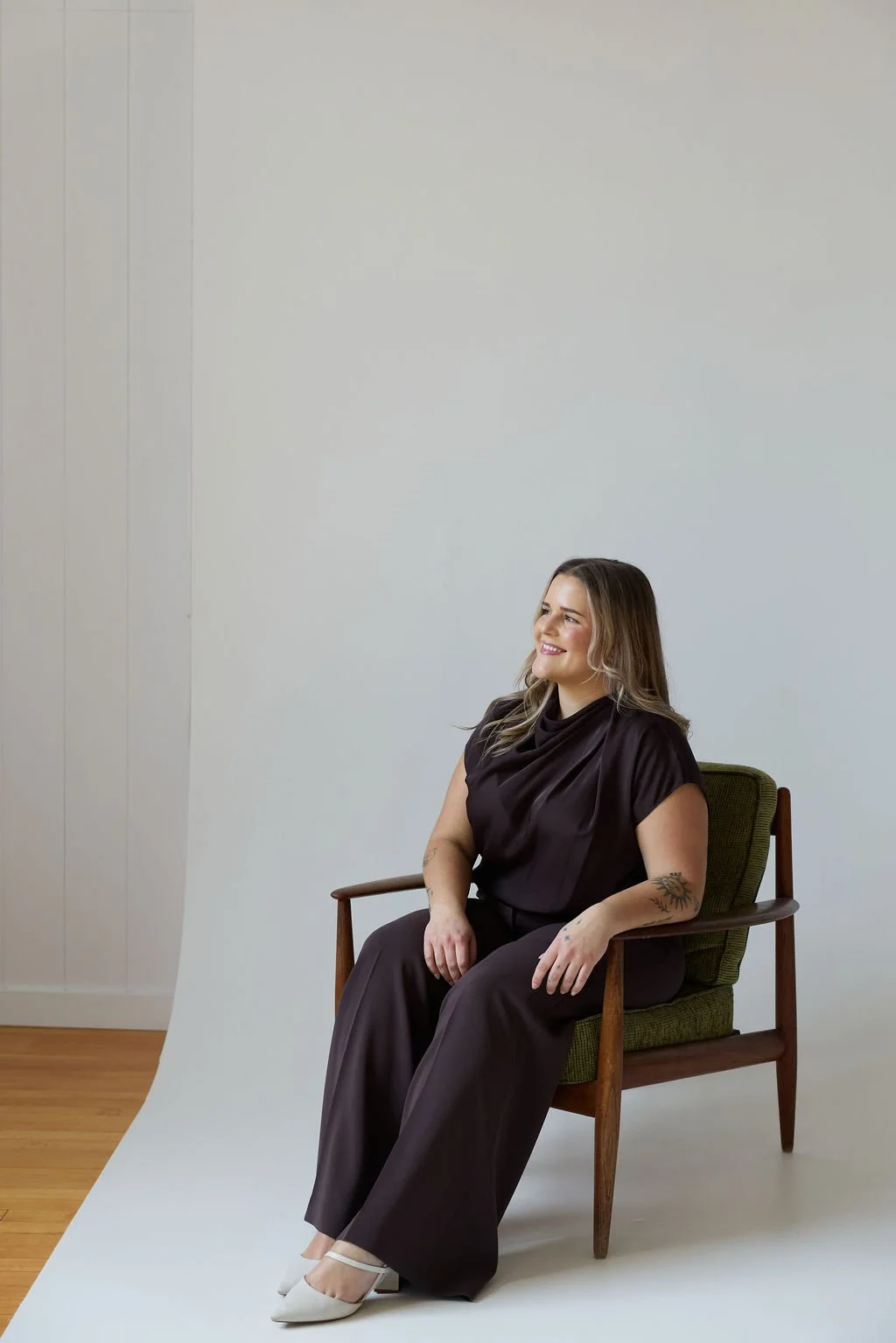
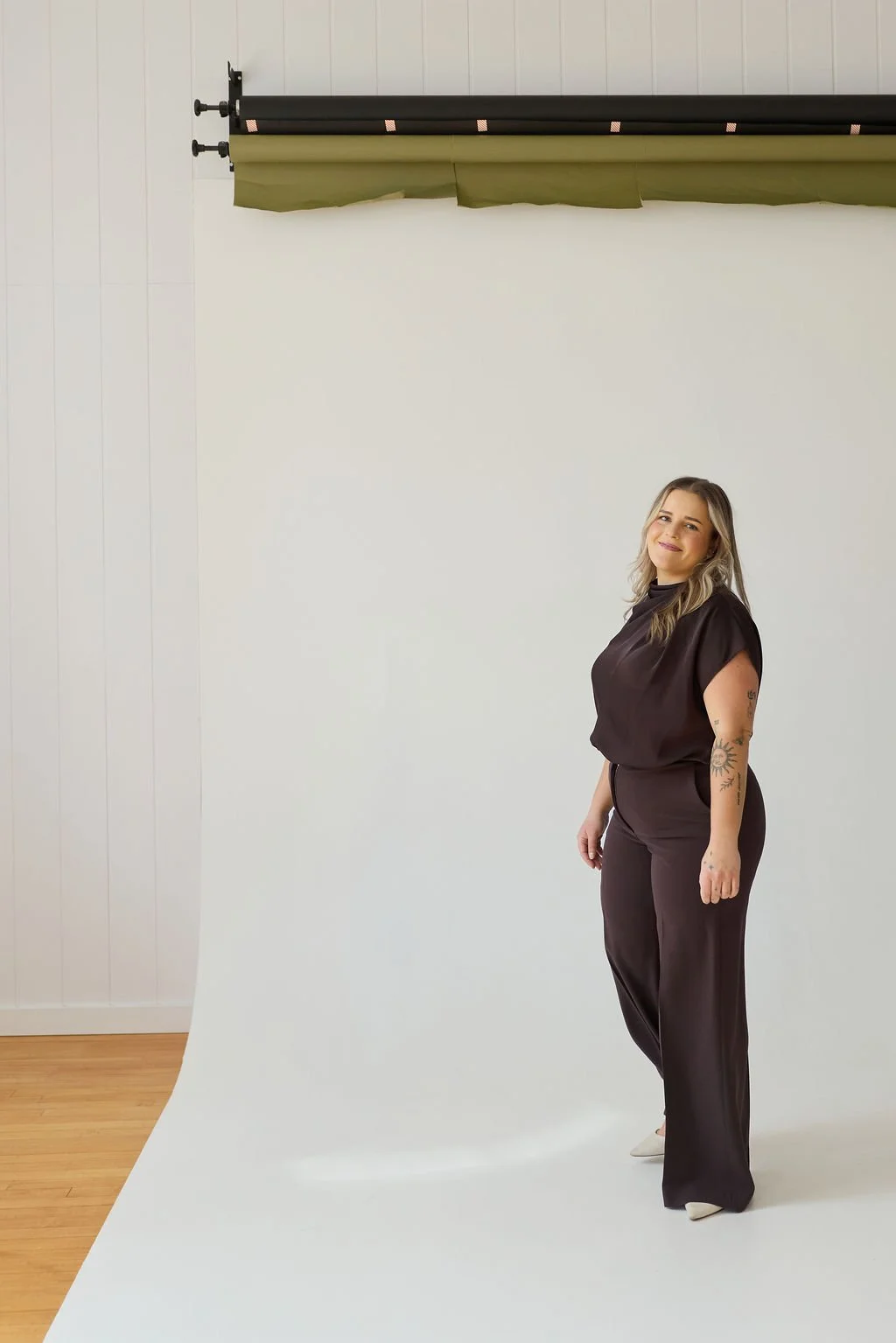
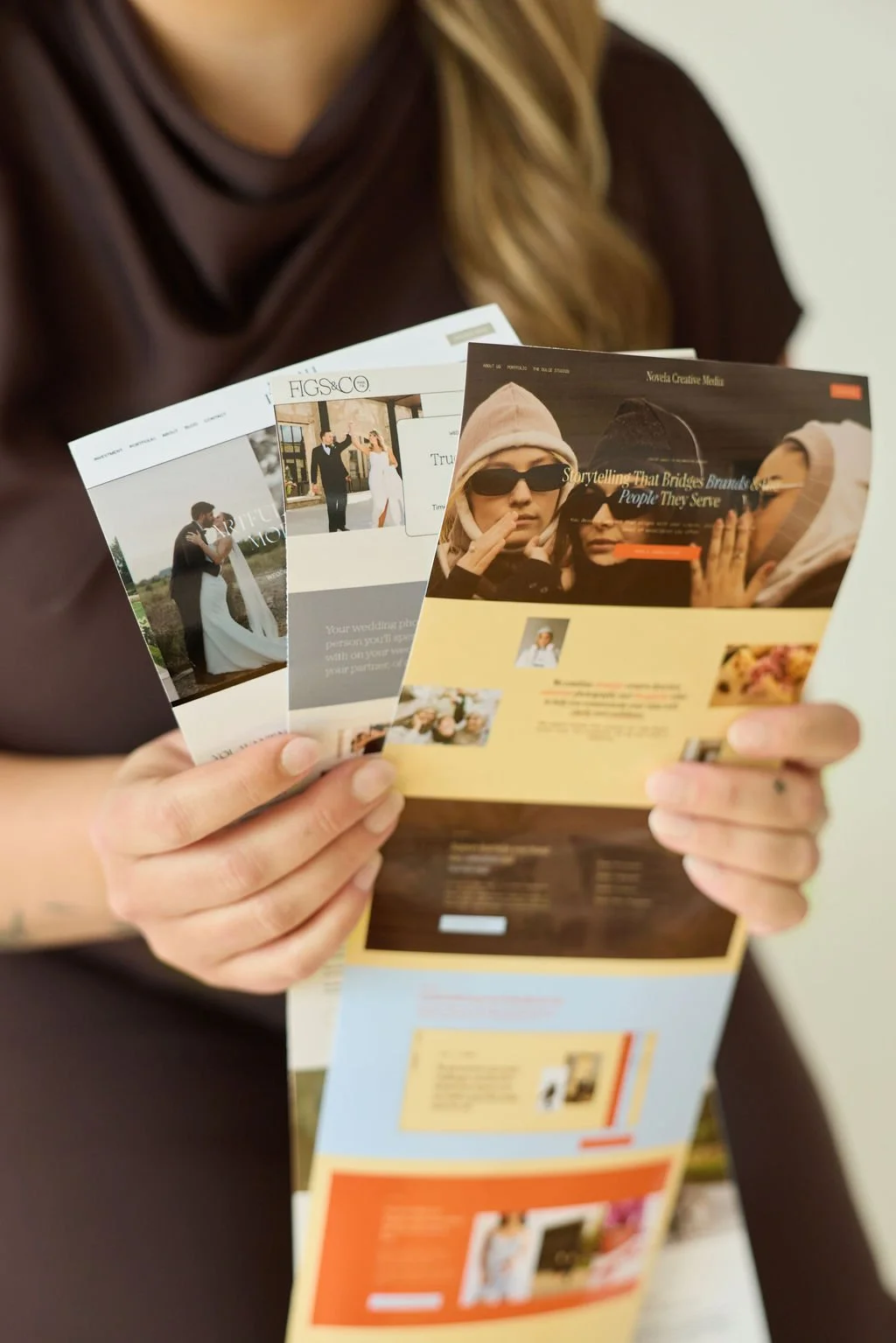
Photographer Credit: Novela Creative Media
The technical stuff (yes, it matters)
This isn't glamorous, but getting it wrong could cost you. Here's what you need to know before you brief your photographer.
Get every image in two versions
• HIGH RESOLUTION: around 15MB. For print, large-format use, and future-proofing.
• WEB SIZE: under 2MB. Large files slow your site down and hurt your Google ranking. Both versions should be included in your photographer's deliverables, so ask before you book.
Ask for horizontal (landscape) images
Wide-format images are what make a website look polished. They span the full screen, fill banner sections, and work inside the layouts we build. Vertical images are limiting because you can always crop a horizontal image vertically, but you can't make a vertical image wider. Ask your photographer to shoot horizontal by default, even for standing portraits.
Ask for negative space
Tell your photographer: leave room for text. Images where you're slightly off to one side, with open space beside you, give us room to layer in headlines and calls to action. Tight face crops are great for headshots, not for homepage banners.
The shot list: what you actually need
A proper headshot for every team member
Clean, well-lit, sharp. This goes on your About page and doubles as your profile photo across LinkedIn, Google Business, social media, and email signatures. Not a cropped group photo from a holiday party or some AI slop. An actual headshot.
Photos of you (and your team) in action
Think about the tasks you do on a daily basis that could be shot in an on-brand way: typing on a laptop, looking over swatches, writing notes, reviewing a document, holding a tool. The goal is to show people what working with you actually looks like, without it feeling like a stock photo.
If you work with clients in person, this is especially important: bring models to your shoot. Photos that represent a client interaction (a consultation, a walkthrough, a session) show prospective clients what the experience of working with you looks like. It's a trust signal that a portrait alone can't create.
Detail and lifestyle shots (no face required)
Some of the most useful website images are ones where your face isn't even in the frame (even though, like we established, you are super cute). A close-up of hands on a keyboard. A coffee mug beside an open notebook. Tools of your trade. Your workspace. These are the images that break up the layout and make your site feel layered and intentional. Brief your photographer specifically on this category because it's easy to skip.
Team photos (if applicable)
If you have a team, you need group shots in addition to individual headshots. These go on your About page and show clients there's a real, capable group of people behind the work.
Where to shoot matters
If your workspace doesn't have great natural light or a polished, on-brand look, don't force it. Rental photo studios are more affordable than most people think, often a couple of hundred dollars for a half-day, and they come with good light, clean backdrops, and a professional feel.
Choose a location that matches the vibe of your brand, not just whatever's most convenient.
Your photos need to match your brand
If your brand is warm and approachable, you don't want moody, cool-toned editorial shots. If your brand is polished and sophisticated, you don't want casual snapshots with messy backgrounds and bad posture. The photos and the brand need to feel like they live in the same world.
Make sure the colour palette visible in your photos (your clothing, the location, the props) aligns with your brand colours. Send your photographer your brand colours and a moodboard before the shoot so the editing style matches too.
What to wear
Here's a tip I give every client: buy your outfits specifically for the shoot, then return them after. You get polished, on-brand clothing that photographs beautifully without committing to pieces you might not wear again. Have multiple outfit changes ready. Variety in your clothing is one of the easiest ways to make your photo library feel bigger.
Bonus tip: create content while you're at it
You're already dressed up. You're already in a beautiful, on-brand space. Don't waste it.
Bring someone along with a good creative eye and have them shoot B-roll footage of you on their phone throughout the day: behind-the-scenes clips, movement shots, detail footage, candid moments. Just make sure the photographer isn't in any of it.
The result? You walk away with a fully branded, cohesive library of content for both your website and your social platforms. Everything looks like it belongs together because it was all shot in the same session, same location, same outfits, same vibe. Most people completely overlook this and it's one of the highest-leverage things you can do on shoot day.
The bottom line
A well-planned brand shoot is one of the best investments you can make in your website and your marketing. But only if you show up with a plan. Know your shot categories, brief your photographer, bring variety, and get more than you think you need.